How to Format USB Using CMD (Command Prompt): A Trusted Guide
Check the steps for how to format USB using CMD in Windows. Additionally, you can easily format a USB flash drive using another professional USB formatter.
By Sandy


Check the steps for how to format USB using CMD in Windows. Additionally, you can easily format a USB flash drive using another professional USB formatter.

This step-by-step tutorial will show you how to recover bookmarks in Chrome with easy and potential solutions.

Want to know how to recover deleted Skype messages on Windows or mobile? This post explores using the main.db file, data recovery software, Windows backup, etc.
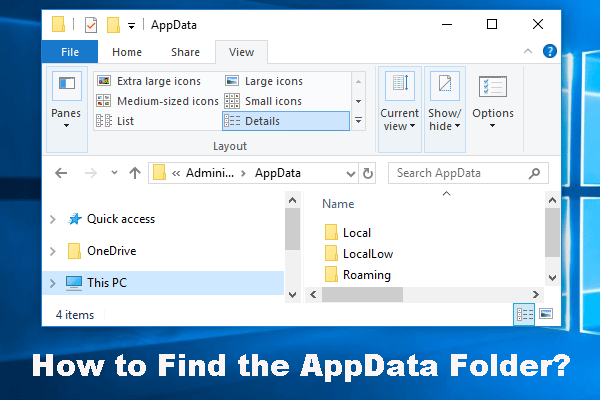
How to find the AppData folder? Read this post to locate this folder in File Explorer or via Run, and learn how to unhide it and recover lost files in AppData.
This comprehensive post provides several practical solutions for those who are stuck with a memory management error on Windows 11/10.
In this post, we will walk you through the detailed steps to carry out a JPG or JPEG recovery and provide necessary backup tips to protect your files from loss.
Wondering how to fix a broken USB stick without losing data? Read this tutorial to get practical methods with detailed instructions.
What to do if your files suddenly disappeared? This post will show you solutions and explain reasons for you.
This post provides a logical flow from understanding the problem, methods for how to recover lost data after repartitioning a hard drive, and prevention.
Here is how to recover unsaved Word document by searching for AutoRecover, backup, temporary files, or use a professional data recovery tool.

Are you struggling with a RAW hard drive and fearing data loss? This post introduces how to perform RAW disk recovery and format a RAW disk.
How to recover desktop files? Check the Recycle Bin and Windows backups. If the necessary files are not present, use a professional data recovery tool.