
Fixed – Virtual Machine Management Service Is Not Present
If you get the error “Virtual Machine Management Service is not present on this machine”, how to get rid of it? Try solutions in this post now.
By Vera

If you get the error “Virtual Machine Management Service is not present on this machine”, how to get rid of it? Try solutions in this post now.
If I2C HID Device driver is not working after upgrading to Windows 11, how can you fix this issue? Go to read this post and try solutions mentioned here.
How can you fix the Windows 11 random restart problem if you are encountering it? Read this post and you can find some ways to fix restarting loop.
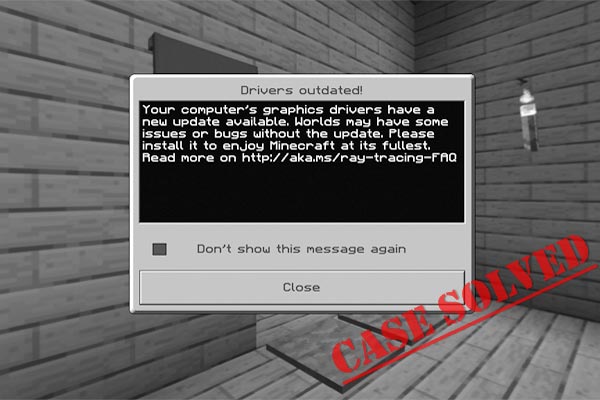
When playing Minecraft on your PC, you may get the Drivers Outdated error. How can you get rid of this error message? Go to find methods here.
Is Halo Infinite not working on Windows 11 or does it keep crashing? Refer to this post and you can find some useful solutions to fix this issue.
MSI Afterburner not working is a common issue in game. How can you fix this problem on your Windows 11/10 PC? Go to find solutions from this post.
This post gives a direct answer to whether you can run 64-bit apps on 32-bit Windows and explains 5 available methods for this action.
Age of Empires 4 crashing on startup or launch on Windows 11/10 PC? Don’t worry and go to find the solutions from this post below to fix it.
Is Hard Drive missing after Windows 11 update? What should you do to fix this issue? Go to read this post and you can find some easy fixes.
Is Cortana not working in Windows 11? How can you fix this issue on your PC? Go to find solutions from this post to easily get rid of the trouble.
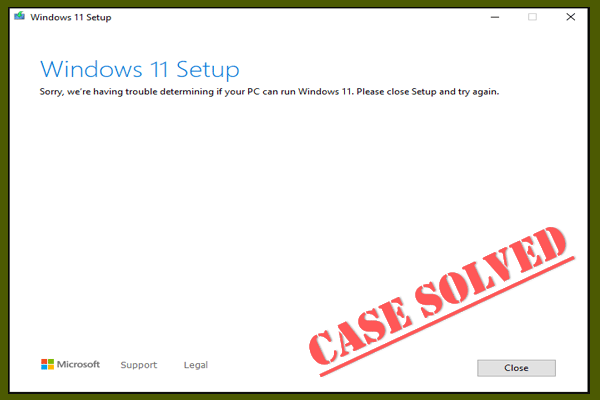
If you run into the error “Sorry, we’re having trouble determining if your PC can run Windows 11”, go to find solutions from this post now.

If you play Far Cry 6, it may crash on startup or when opening map. Here is how to fix the issue of Far Cry 6 crashing on PC, Xbox One, PS4, or PS5.