
Games Keep Crashing on Windows 11/10 PC? Why & How to Fix?
Why do PC games keep crashing? What if games keep crashing on Windows 10/11 PC? Find reasons and solutions from this post.

Why do PC games keep crashing? What if games keep crashing on Windows 10/11 PC? Find reasons and solutions from this post.


Computer accidents like system crash, blue screen, etc. always happen unexpectedly. To keep the PC running properly, you need to fix some issues. Here MiniTool introduces some common system issues, for example, getting Windows ready stuck, System Restore stuck, blue screen error like IRQL_NOT_LESS_OR_EQUAL, etc.
Besides, keeping PC safe is also important since. Using antivirus software to block malicious programs or using a program to back up files is recommendable. But sometimes some issues like Windows Defender not turning on, OneDrive sync pending, etc. also happen.
No matter which situation you are encountering, backing up the PC after issues are fixed with the professional backup software, MiniTool ShadowMaker is strongly recommended since the backup can be used to quickly restore the PC to a normal state without spending much time on issue fixes.
How to ghost Windows 10/8/7? Now, use the professional ghost image software, MiniTool ShadowMaker to create a ghost image of Windows OS.
When a system fails or is unstable, learn how to system restore point Windows 10 and use it to recover the system to an earlier date.
What is the cause of the service registration is missing or corrupt issue and how to fix it? You can find details in this post.
Want an alternative to Time Machine for Windows 10/8/7 to back up your PC? MiniTool ShadowMaker is the best alternative to keep your PC safe.
![How to Use Recovery Options on Windows 10 [Premise and Steps]](https://images.minitool.com/minitool.com/images/uploads/2019/04/windows-10-recovery-options-thumbnail.jpg)
This article lists seven common recovery options in Windows 10 for solving computer problems. The usages of the seven options are illustrated in detail.
How to upgrade 32-bit to 64-bit version of Windows 10/8/7 without losing any data? This post shows you some details on Windows system upgrade.

Do you know how to perform USB backup or how to backup USB drive with ease? Try these 2 free USB image tools.
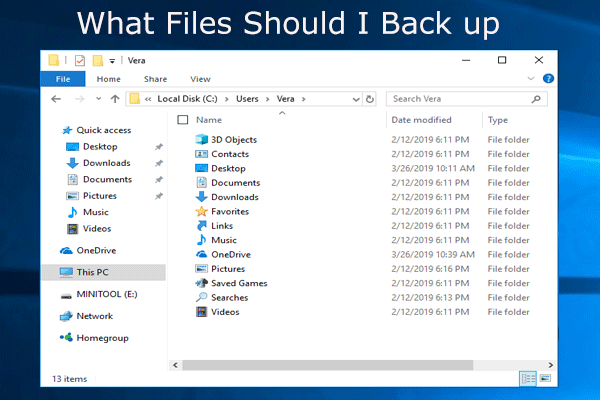
What do I need to back up my computer? What files should I back up? Now, get the answers to these two questions in this post.

Do you know how to clone USB drive or how to clone USB hard disk without losing any your personal data? Try to use these two best USB clone tools.
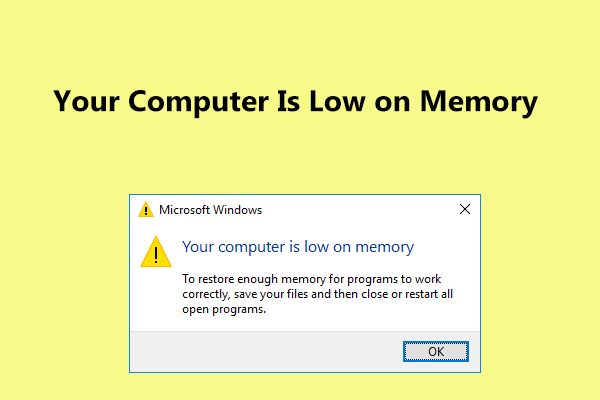
Receive “Your computer is low on memory” message in Windows 10/8/7? Here are full fixes and you can try them to fix the low memory error.