9 Methods For Fixing My HP Laptop Won’t Turn On
It is frustrating if find your HP laptop not turning on properly. This article answers how to solve this problem with a handful of effective methods.

It is frustrating if find your HP laptop not turning on properly. This article answers how to solve this problem with a handful of effective methods.
![[SOLVED] USB Keeps Disconnecting and Reconnecting? Best Solution!](https://images.minitool.com/minitool.com/images/uploads/2019/03/usb-keeps-disconnecting-thumbnail.jpg)
In this page, you can find solutions for various data loss situations. With MiniTool Power Data Recovery, you can easily recover deleted files, photos, videos or any other lost data from Windows computer or external hard drive.
This professional data recovery program also helps you with SD card recovery as well as USB data recovery. Corrupted, inaccessible or formatted drive is also supported. Besides, MiniTool Power Data Recovery can also run well in Windows 10 Safe Mode. Browse the article list below and click the topic you are interested to check the detailed guides.
MiniTool offers professional CCTV/DVR recovery software for you to recover deleted and lost videos from CCTV/DVR hard drive/SD card easily.
You can quickly solve the USB drive detected but not accessible issue and recover data on the USB drive by following the steps in this post.
Have you ever encountered files missing after reboot Windows issue? We will tell you how to recover these lost files from your computer effectively.
What should you do when your computer starts but the screen is black? Here are 8 unique ways to help effectively fix the “PC turns on but no display” issue.
This post provides a full guide on how to fix the problem that the hard drive only shows half capacity and how to recover data from the drive.
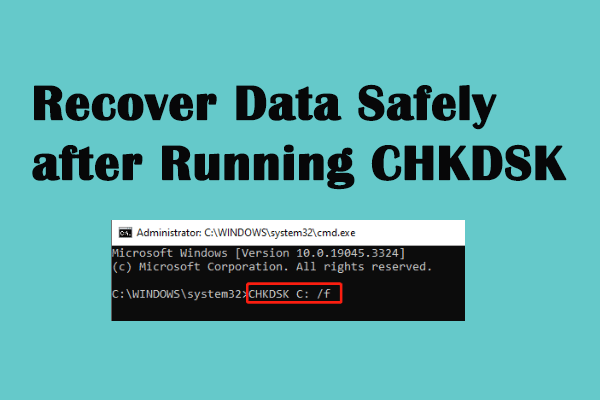
Does your files get lost after CHKDSK? Here are ways to help your recover CHKDSK deleted files in few steps.
Files and folders become shortcuts? Now, you can read this post and find several effective solutions to fix folders turned into shortcuts.
Here you can see how to fix the error “This memory card cannot be used. Card may be damaged. Insert another card” without damaging the original data.
External hard drive takes forever to load? Are files inaccessible? This post shows you how to recover data from a slow external hard drive and fix this issue.
Now, you will learn how to fix the “USB drive shows 0 bytes” issue and effectively recover data from the 0 bytes USB drive.