
Games Keep Crashing on Windows 11/10 PC? Why & How to Fix?
Why do PC games keep crashing? What if games keep crashing on Windows 10/11 PC? Find reasons and solutions from this post.

Why do PC games keep crashing? What if games keep crashing on Windows 10/11 PC? Find reasons and solutions from this post.



Computer accidents like system crash, blue screen, etc. always happen unexpectedly. To keep the PC running properly, you need to fix some issues. Here MiniTool introduces some common system issues, for example, getting Windows ready stuck, System Restore stuck, blue screen error like IRQL_NOT_LESS_OR_EQUAL, etc.
Besides, keeping PC safe is also important since. Using antivirus software to block malicious programs or using a program to back up files is recommendable. But sometimes some issues like Windows Defender not turning on, OneDrive sync pending, etc. also happen.
No matter which situation you are encountering, backing up the PC after issues are fixed with the professional backup software, MiniTool ShadowMaker is strongly recommended since the backup can be used to quickly restore the PC to a normal state without spending much time on issue fixes.
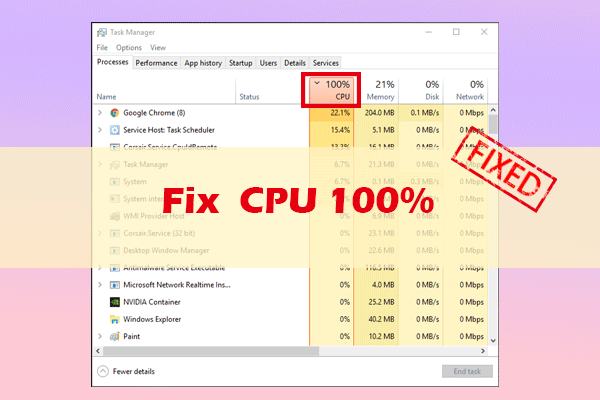
Why is CPU usage at 100% in Windows 11/10? Learn the most common causes of high CPU usage and how to lower it with 8 proven solutions.
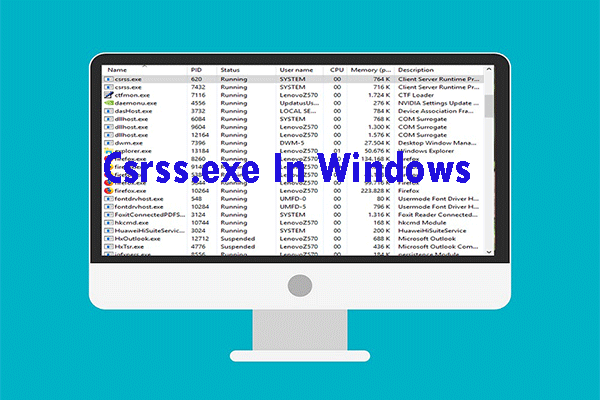
The csrss.exe process is an essential part in Windows, so you can’t disable it. You also need to verify the real csrss.exe. Just read this post to get details.

How to share files between computers? This article provides you with quick and simple ways to solve this problem.
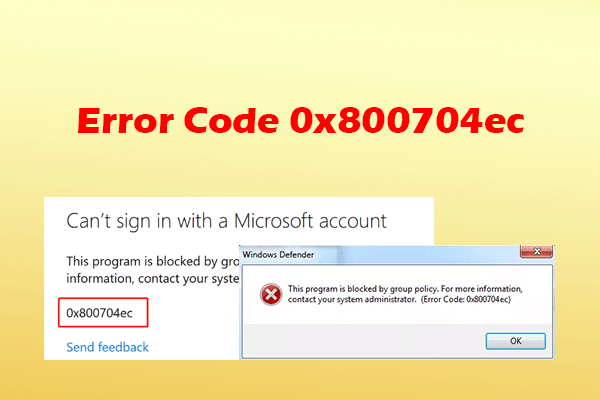
If you received the error code 0x800704ec on your Windows 10/11 computer, try to troubleshoot it by using the effective methods in this post.
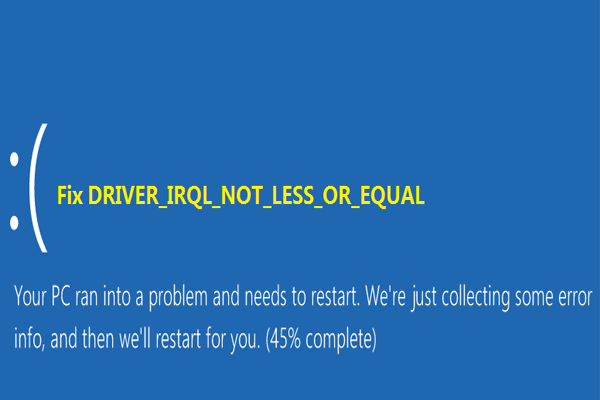
After the computer has been used for a while, suddenly there is such an error on the screen: IRQL_NOT_LESS_OR_EQUAL. This article will tell you how to solve it.

If you are looking for a method to fix broken registry items, this post is what you want. It will introduce you 5 methods to repair this problem.
When you encounter such a situation that computer won’t stay asleep, how to fix this issue? Here are 7 solutions for you to fix it.
If you want to factory reset Windows 10 from Command Prompt since the computer doesn’t work correctly, read this post to reset it easily.
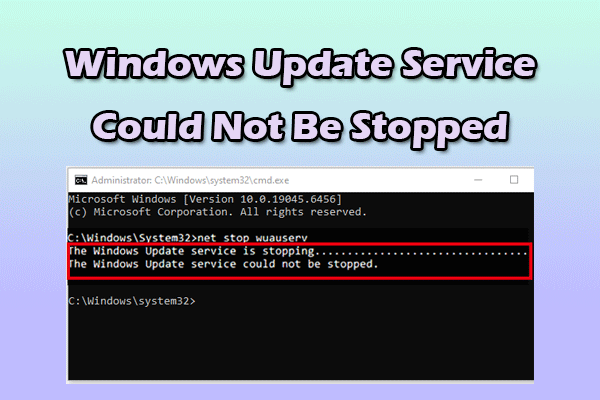
This post shares useful methods to fix Windows Update service could not be stopped issue and offers a tool to protect data when this issue occurs.
This article will tell you the things you need to do before upgrade to Windows 10. You need to make sure that you have done these things before upgrade.