Games Keep Crashing on Windows 11/10 PC? Why & How to Fix?
Why do PC games keep crashing? What if games keep crashing on Windows 10/11 PC? Find reasons and solutions from this post.

Why do PC games keep crashing? What if games keep crashing on Windows 10/11 PC? Find reasons and solutions from this post.



Computer accidents like system crash, blue screen, etc. always happen unexpectedly. To keep the PC running properly, you need to fix some issues. Here MiniTool introduces some common system issues, for example, getting Windows ready stuck, System Restore stuck, blue screen error like IRQL_NOT_LESS_OR_EQUAL, etc.
Besides, keeping PC safe is also important since. Using antivirus software to block malicious programs or using a program to back up files is recommendable. But sometimes some issues like Windows Defender not turning on, OneDrive sync pending, etc. also happen.
No matter which situation you are encountering, backing up the PC after issues are fixed with the professional backup software, MiniTool ShadowMaker is strongly recommended since the backup can be used to quickly restore the PC to a normal state without spending much time on issue fixes.

If Avast won’t open on Windows and you don’t know how to deal with this situation, you can read this post. It will teach you how to fix this issue in detail.
If you are looking for the methods to fix the Windows Defender blocked by Group Policy error, then read this article carefully, you will find the solutions.
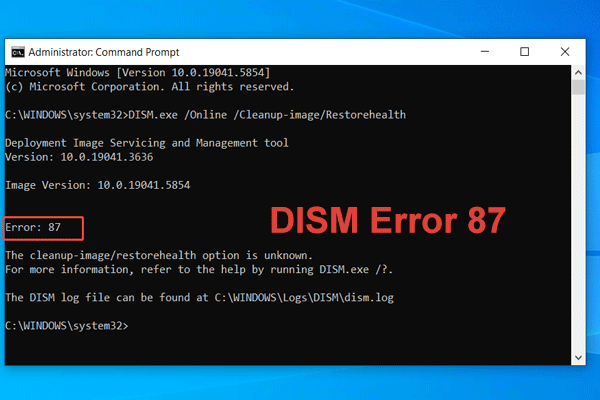
What are the common causes of DISM error 87? How to fix error 87 when running DISM in Windows 11/10? Find the answers in this post.
If you want to update your operating system, but 0x8024001e error occurs in the process of updating, you can try the methods offered in this post.

Malwarebytes may not open on Windows. You need to pay attention to this issue. You can read this post and get some useful solutions to fix this annoying issue.

Avast VPN (or SecureLine VPN) is a subscription-based virtual private network system. However, sometimes you will encounter the Avast VPN not working issue.

The OneDrive icon may miss in the Taskbar and File Explorer. This post shows how to fix the issue OneDrive icon missing in the Taskbar and File Explorer.
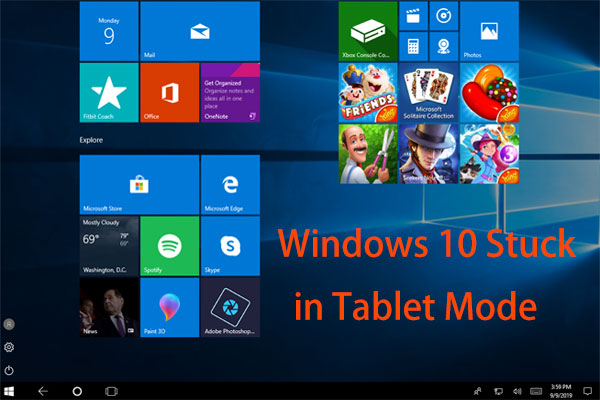
Is Windows 10 stuck in Tablet Mode? How to get Windows 10 out of Tablet Mode? This post will show you methods to return PC to the normal view.
If you have ever encountered “No battery is detected” alert, you can read this post to get solutions. It will teach you how to fix this problem in detail.
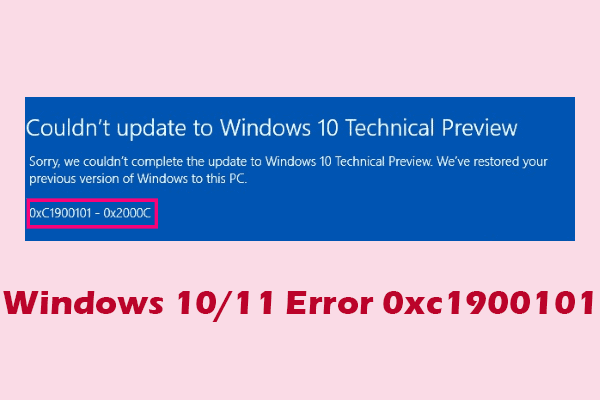
If your device encounters one of the 0xc1900101 errors, this article can explain the causes of the error and the corresponding fixes for you.