
Games Keep Crashing on Windows 11/10 PC? Why & How to Fix?
Why do PC games keep crashing? What if games keep crashing on Windows 10/11 PC? Find reasons and solutions from this post.

Why do PC games keep crashing? What if games keep crashing on Windows 10/11 PC? Find reasons and solutions from this post.

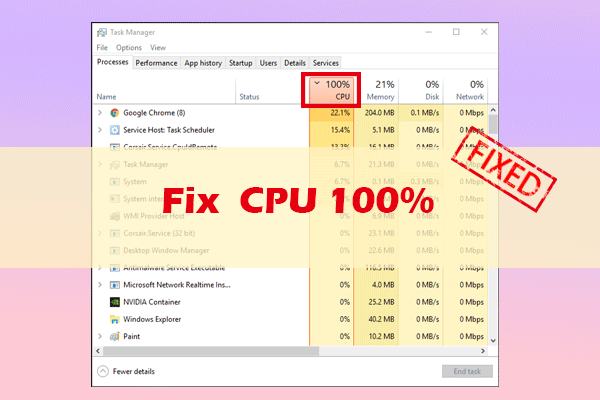

Computer accidents like system crash, blue screen, etc. always happen unexpectedly. To keep the PC running properly, you need to fix some issues. Here MiniTool introduces some common system issues, for example, getting Windows ready stuck, System Restore stuck, blue screen error like IRQL_NOT_LESS_OR_EQUAL, etc.
Besides, keeping PC safe is also important since. Using antivirus software to block malicious programs or using a program to back up files is recommendable. But sometimes some issues like Windows Defender not turning on, OneDrive sync pending, etc. also happen.
No matter which situation you are encountering, backing up the PC after issues are fixed with the professional backup software, MiniTool ShadowMaker is strongly recommended since the backup can be used to quickly restore the PC to a normal state without spending much time on issue fixes.
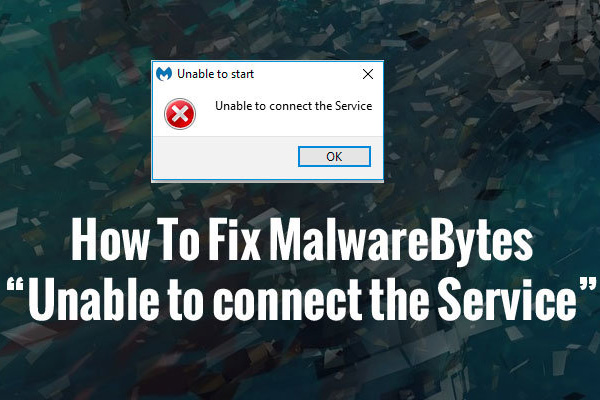
When you use Malwarebytes to protect data in your computer, you may encounter such a situation - Malwarebytes unable to connect the Service.
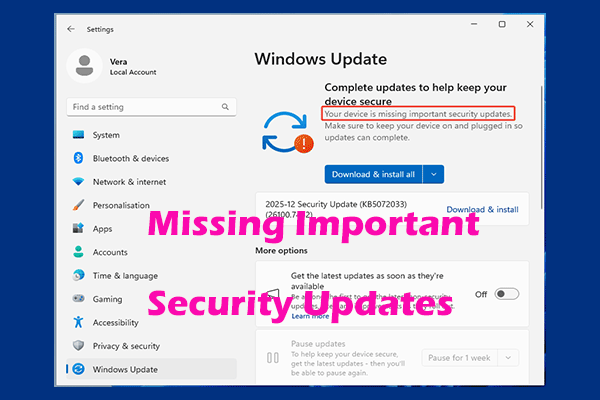
In this post, you will learn how to fix the “your device is missing important security and quality fixes” error in Win11/10 with 8 methods.
Windows Update keeps turning off? Don’t worry, you can find the reasons behind and some trusted solutions in this article.
Is Google Drive not syncing on Windows 10, Mac or Android device? This post will show you full solutions to this issue in these three cases.
This post covers several reasons for stop code page fault in nonpaged area and how to effectively fix the blue screen error in Windows 11/10.
Now you have many sensitive data, thus you need a reliable defense software to protect your data. This post gives information on Windows Defender vs Avast.
What is Windows 10 Startup folder? How to add, disable and fix programs in Startup folder? To learn more, check out this post right now!
How to know if your computer has a virus? This article will guide you on how to check the infection signs. You can take a detailed browse.
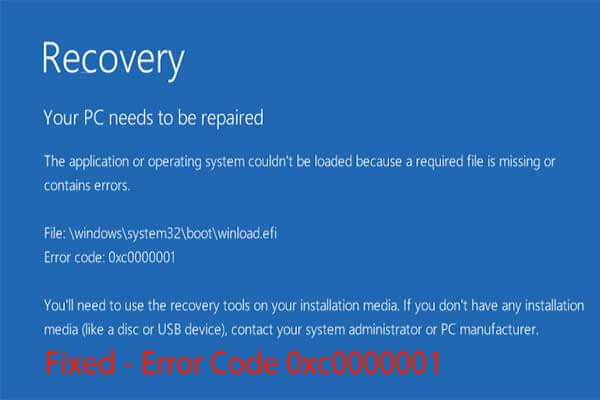
What is error code 0xc0000001 and how to fix it? This post gives you seven step-by-step solutions, just take them and try them out.
If you want to update Windows using Command Line, then this article will definitely help you with that. But you’d better back up system operating before that.