
9 Methods For Fixing My HP Laptop Won’t Turn On
It is frustrating if find your HP laptop not turning on properly. This article answers how to solve this problem with a handful of effective methods.

It is frustrating if find your HP laptop not turning on properly. This article answers how to solve this problem with a handful of effective methods.
![[SOLVED] USB Keeps Disconnecting and Reconnecting? Best Solution!](https://images.minitool.com/minitool.com/images/uploads/2019/03/usb-keeps-disconnecting-thumbnail.jpg)


In this page, you can find solutions for various data loss situations. With MiniTool Power Data Recovery, you can easily recover deleted files, photos, videos or any other lost data from Windows computer or external hard drive.
This professional data recovery program also helps you with SD card recovery as well as USB data recovery. Corrupted, inaccessible or formatted drive is also supported. Besides, MiniTool Power Data Recovery can also run well in Windows 10 Safe Mode. Browse the article list below and click the topic you are interested to check the detailed guides.
How to find a saved file on your Windows computer? In this post, we will show you some easy and effective methods you can try to find your saved files.

This post provides detailed steps to recover deleted large video files by checking the Recycle Bin, using Windows File History, or utilizing a data recovery tool.
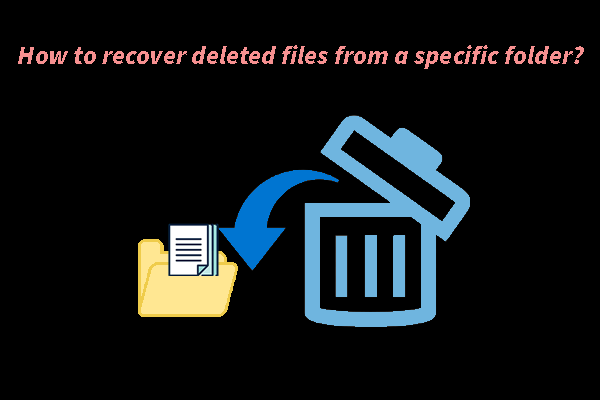
Read this post to learn how to recover files from a specific folder on Windows, and we also share practical tips to protect your data from future loss.
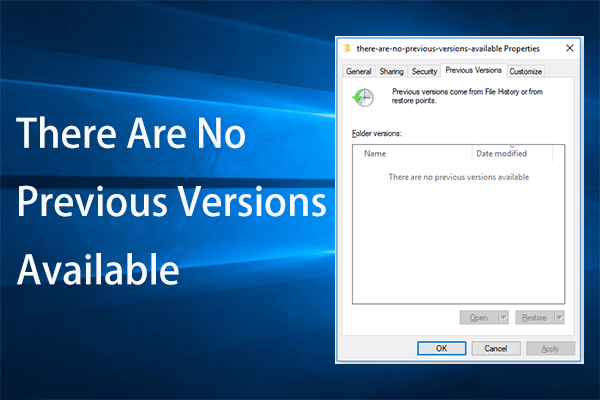
This article provides you with detailed information about how to fix the “there are no previous versions available” issue and recover data easily.
In this post, we will show you how to recover deleted downloaded files and how to recover the deleted Downloads folder on Windows 11/10/8/7.
How to recover deleted folders on Windows? This post offers practical recovery methods, including checking the Recycle Bin, utilizing tools, and more.
Are you looking for a portable data recovery software to help you recover data anywhere? In this post, we will introduce some good choices.

If you are looking for some feasible ways to recover sticky notes on your PC, this post provides five useful methods to help you get them back.
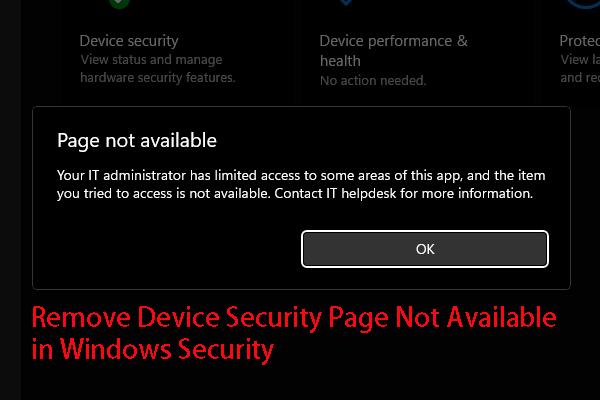
In this post, you can find the main reasons for Device Security Page not available and the methods to remove this error in Windows Security.
This post introduces how to enable USB ports blocked by administrators via Device Manager, Registry Editor, Local Group Policy Editor, or third-party tools.