
Games Keep Crashing on Windows 11/10 PC? Why & How to Fix?
Why do PC games keep crashing? What if games keep crashing on Windows 10/11 PC? Find reasons and solutions from this post.

Why do PC games keep crashing? What if games keep crashing on Windows 10/11 PC? Find reasons and solutions from this post.



Computer accidents like system crash, blue screen, etc. always happen unexpectedly. To keep the PC running properly, you need to fix some issues. Here MiniTool introduces some common system issues, for example, getting Windows ready stuck, System Restore stuck, blue screen error like IRQL_NOT_LESS_OR_EQUAL, etc.
Besides, keeping PC safe is also important since. Using antivirus software to block malicious programs or using a program to back up files is recommendable. But sometimes some issues like Windows Defender not turning on, OneDrive sync pending, etc. also happen.
No matter which situation you are encountering, backing up the PC after issues are fixed with the professional backup software, MiniTool ShadowMaker is strongly recommended since the backup can be used to quickly restore the PC to a normal state without spending much time on issue fixes.

This post shows 8 common bad RAM symptoms, how to check if RAM is bad, how to fix RAM issues and some related information for you.
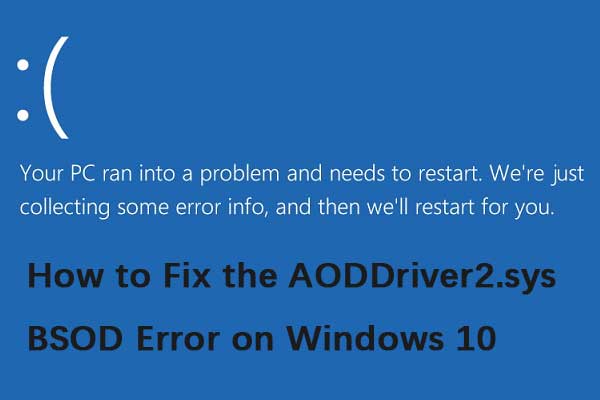
If there are some conflicts with the AMD OverDrive software, then the aoddriver2.sys error will appear on your PC. Here are some methods to fix it.

If you encounter the Windows 10 Store missing error and want to find it back, then you can find several workable methods in this post to get it back.

What makes a computer fast? You can uninstall unused applications, disable startup programs, free up disk space, upgrade your SSD, and more.
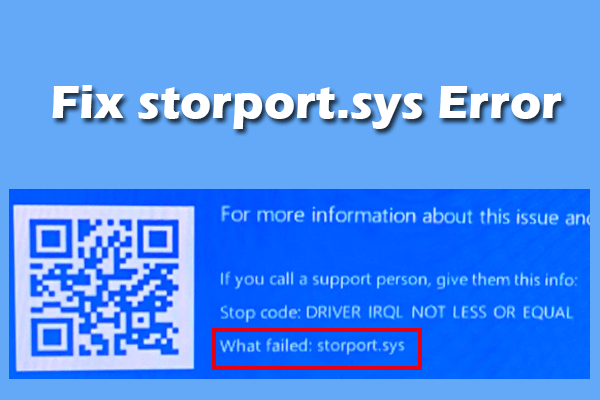
This post analyzes what causes the storport.sys BSOD error and how to troubleshoot it. If you encounter the same error, follow the guide.
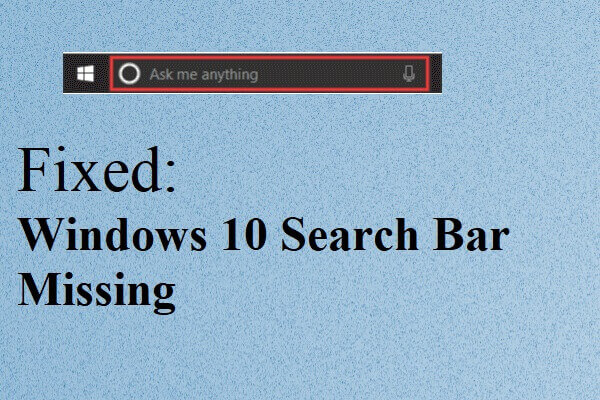
If you find that Windows 10 search bar missing after you upgrade your system to Windows 10, then you can read this post to find some useful methods.
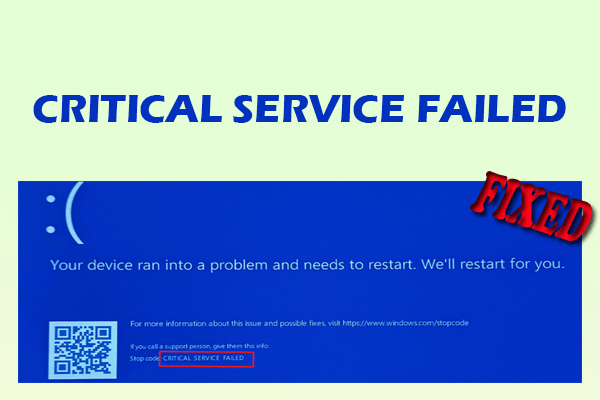
This post offers a comprehensive guide on the CRITICAL SERVICE FAILED BSOD error in Windows 10/11, covering causes, fixes, and data protection.

Have you received the message “C:Windowssystem32configsystemprofileDesktop is unavailable”? This post shows you how to fix this issue easily.
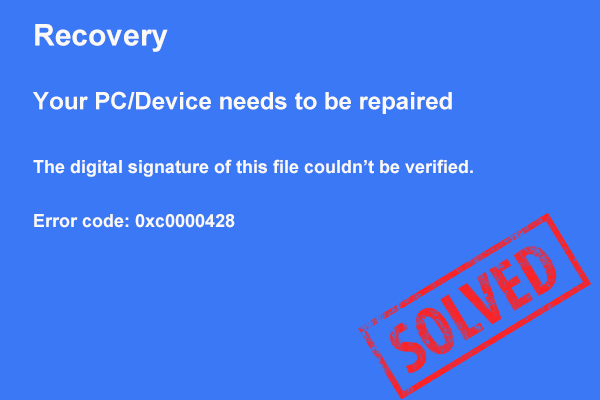
Is your Windows 11/10/7 PC stuck on the error code 0xc0000428 screen? This post offers several possible solutions to help you out.
If you want to install unsigned drivers, you need to disable driver signature enforcement. This post will show you how to disable it in detail.