
Games Keep Crashing on Windows 11/10 PC? Why & How to Fix?
Why do PC games keep crashing? What if games keep crashing on Windows 10/11 PC? Find reasons and solutions from this post.

Why do PC games keep crashing? What if games keep crashing on Windows 10/11 PC? Find reasons and solutions from this post.


Computer accidents like system crash, blue screen, etc. always happen unexpectedly. To keep the PC running properly, you need to fix some issues. Here MiniTool introduces some common system issues, for example, getting Windows ready stuck, System Restore stuck, blue screen error like IRQL_NOT_LESS_OR_EQUAL, etc.
Besides, keeping PC safe is also important since. Using antivirus software to block malicious programs or using a program to back up files is recommendable. But sometimes some issues like Windows Defender not turning on, OneDrive sync pending, etc. also happen.
No matter which situation you are encountering, backing up the PC after issues are fixed with the professional backup software, MiniTool ShadowMaker is strongly recommended since the backup can be used to quickly restore the PC to a normal state without spending much time on issue fixes.
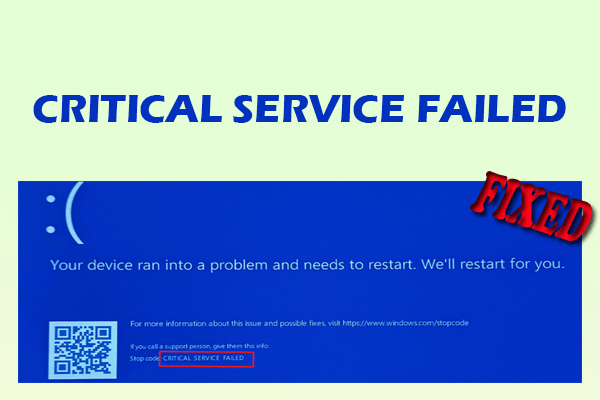
This post offers a comprehensive guide on the CRITICAL SERVICE FAILED BSOD error in Windows 10/11, covering causes, fixes, and data protection.

Have you received the message “C:Windowssystem32configsystemprofileDesktop is unavailable”? This post shows you how to fix this issue easily.
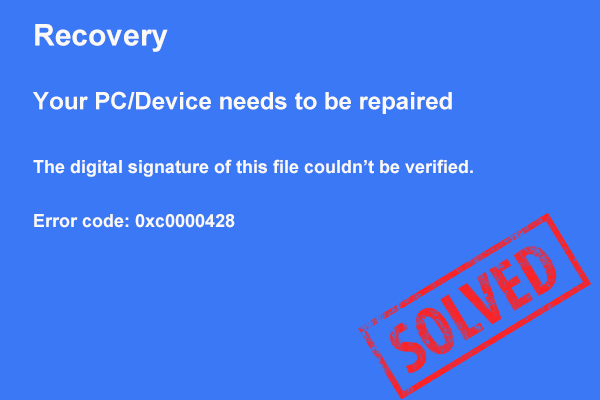
Is your Windows 11/10/7 PC stuck on the error code 0xc0000428 screen? This post offers several possible solutions to help you out.
If you want to install unsigned drivers, you need to disable driver signature enforcement. This post will show you how to disable it in detail.
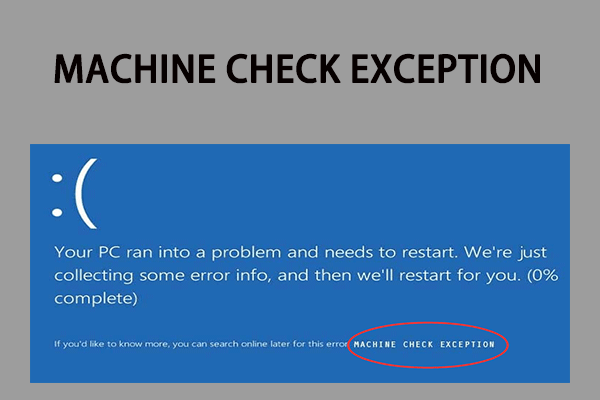
What is the BSOD stop code MACHINE_CHECK_EXCEPTION? Why would you encounter MACHINE CHECK EXCEPTION? How to fix it? This post can help you.
When you use the Windows Update Standalone Installer to search for updates, it may be stuck on searching for updates. Here are the methods to fix it.
Computer maintenance is important to improve the PC's efficiency and prolong its life-span. Here are 13 essential PC maintenance tips for you.
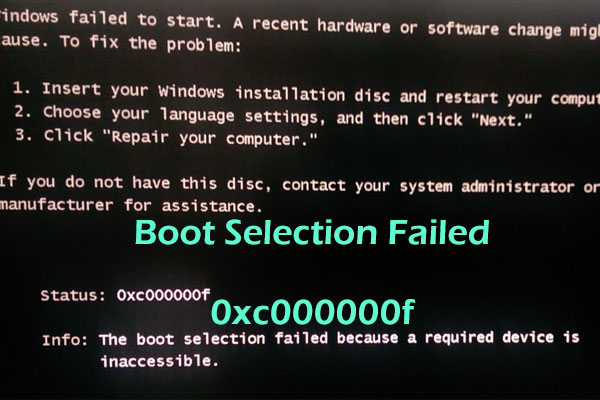
If you receive “the boot selection failed because a required device is inaccessible” in Windows 7, learn the solutions in this post.

If your PC is infected with Powershell.exe virus, your PC may act strangely. Luckily, you can find fixes to remove the virus in this post.
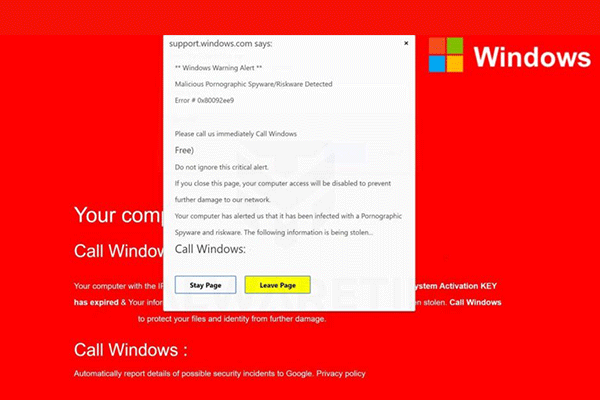
Are you still struggling with the “Windows Security Alert” pop-up? Don’t worry too much. Right now you can get some methods to remove these pop-up.