
Games Keep Crashing on Windows 11/10 PC? Why & How to Fix?
Why do PC games keep crashing? What if games keep crashing on Windows 10/11 PC? Find reasons and solutions from this post.

Why do PC games keep crashing? What if games keep crashing on Windows 10/11 PC? Find reasons and solutions from this post.


Computer accidents like system crash, blue screen, etc. always happen unexpectedly. To keep the PC running properly, you need to fix some issues. Here MiniTool introduces some common system issues, for example, getting Windows ready stuck, System Restore stuck, blue screen error like IRQL_NOT_LESS_OR_EQUAL, etc.
Besides, keeping PC safe is also important since. Using antivirus software to block malicious programs or using a program to back up files is recommendable. But sometimes some issues like Windows Defender not turning on, OneDrive sync pending, etc. also happen.
No matter which situation you are encountering, backing up the PC after issues are fixed with the professional backup software, MiniTool ShadowMaker is strongly recommended since the backup can be used to quickly restore the PC to a normal state without spending much time on issue fixes.

Maybe you don’t know how to do when the “Internet Security Alert” error message pops up. This post provides information about it and methods to fix it.
Browser redirect viruses are ubiquitous and threaten your computer. This post shows you how to do browser hijacker removal from Chrome, Firefox, etc.

Malwarebytes vs Avast, which one is better for you? This post shows some differences between Avast and Malwarebytes.
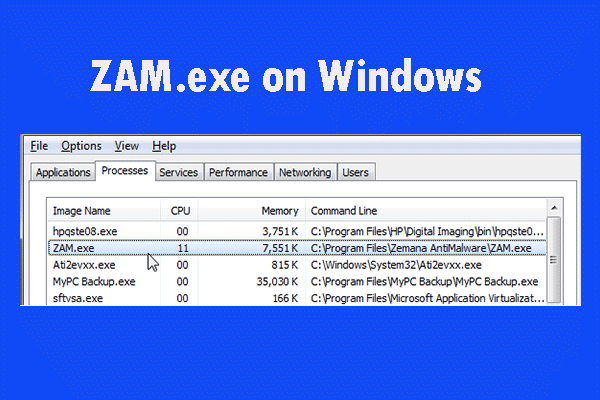
If you find that ZAM.exe is using a large number of system resources but you don’t know what ZAM.exe is, read this post to get details about it.
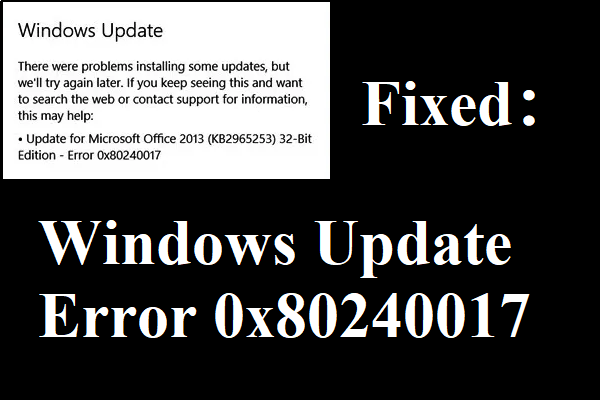
If you encounter error 0x80240017 when you update your Windows but don’t know how to deal with it, then you can find several methods in this post.

Is Avast blocking your websites and Internet access? How to stop Avast from doing that work? This post provides methods to fix the annoying issue.

This post introduces how to boot from M.2 through 2 simple methods, such as cloning the old drive to the SSD and making a clean installation.
What is SDelete? How to use SDelete to delete files securely in Windows 10/8/7? Get the answers from this post now and you will know much.
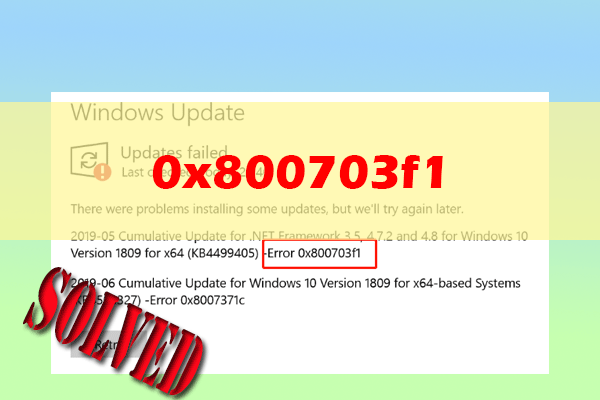
If you experience the error code 0x800703f1 during the process of updating Windows 10/11, discover 10 methods in this post to fix it.
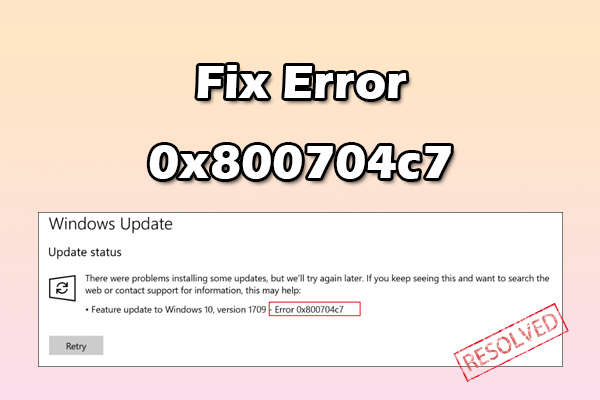
This post introduces the possible causes of 0x800704c7 and provides several effective solutions. If you encounter the same, follow the guide here.