Games Keep Crashing on Windows 11/10 PC? Why & How to Fix?
Why do PC games keep crashing? What if games keep crashing on Windows 10/11 PC? Find reasons and solutions from this post.

Why do PC games keep crashing? What if games keep crashing on Windows 10/11 PC? Find reasons and solutions from this post.

Computer accidents like system crash, blue screen, etc. always happen unexpectedly. To keep the PC running properly, you need to fix some issues. Here MiniTool introduces some common system issues, for example, getting Windows ready stuck, System Restore stuck, blue screen error like IRQL_NOT_LESS_OR_EQUAL, etc.
Besides, keeping PC safe is also important since. Using antivirus software to block malicious programs or using a program to back up files is recommendable. But sometimes some issues like Windows Defender not turning on, OneDrive sync pending, etc. also happen.
No matter which situation you are encountering, backing up the PC after issues are fixed with the professional backup software, MiniTool ShadowMaker is strongly recommended since the backup can be used to quickly restore the PC to a normal state without spending much time on issue fixes.
Have you got the “Windows protected your PC” pop-up window when running an app or using a browser? This post will show how to disable or remove it.
When you use Malwarebytes, you may receive the “Malwarebytes Web Protection won’t turn on” error message. This post provides methods to fix this error.
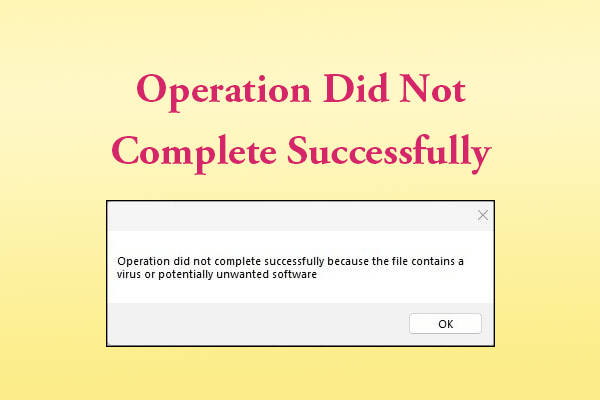
If you receive the “operation did not complete successfully” error message on your PC, try the methods mentioned in this post to resolve the error.
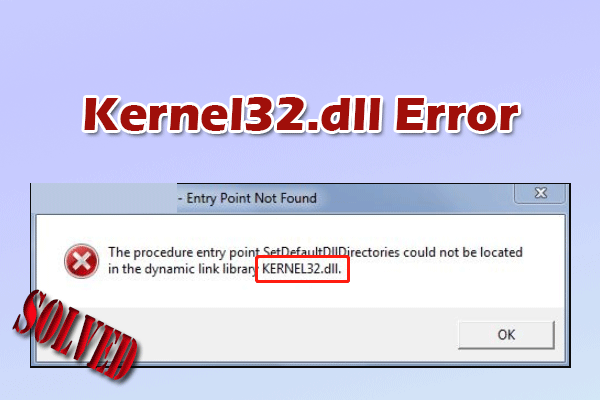
This guide covers the function of the Kernel32.dll file, explores common causes for associated errors, and provides effective troubleshooting steps.
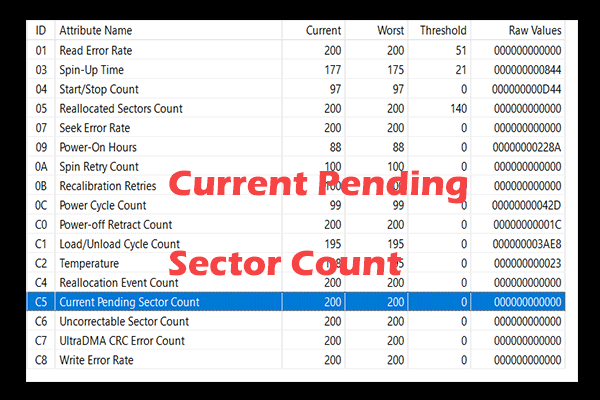
Current Pending Sector Count indicates unstable disk sectors on an HDD or SSD. Learn what causes it and how to fix it in Windows 11/10.
This post shows the solutions to the Dropbox not syncing issue, including checking file names and permissions, and updating/reinstalling the app.
Maybe you have received such an error message: “Failure to display security and shut down options” on your computer. Here are methods to fix the error.

If you encounter Uplay is unable to start your download error on your PC, read this post to get the causes and solutions to this error.
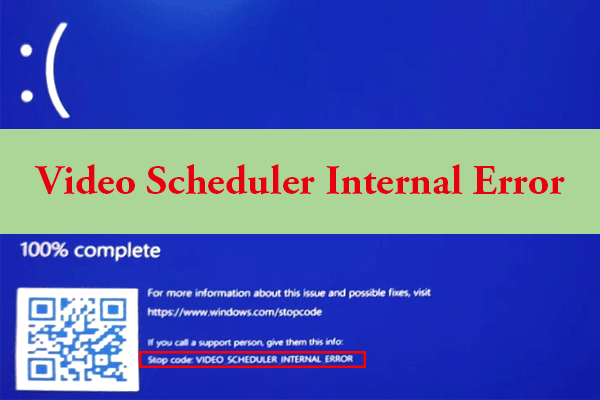
This post analyzes what causes video scheduler internal error and offers some solutions. Also, it gives a full guide to help you back up your data.
This article will introduce some situations you may encounter which may cause your Windows 10 won’t shut down and introduce 7 solutions to fix this problem.