9 Methods For Fixing My HP Laptop Won’t Turn On
It is frustrating if find your HP laptop not turning on properly. This article answers how to solve this problem with a handful of effective methods.

It is frustrating if find your HP laptop not turning on properly. This article answers how to solve this problem with a handful of effective methods.
In this page, you can find solutions for various data loss situations. With MiniTool Power Data Recovery, you can easily recover deleted files, photos, videos or any other lost data from Windows computer or external hard drive.
This professional data recovery program also helps you with SD card recovery as well as USB data recovery. Corrupted, inaccessible or formatted drive is also supported. Besides, MiniTool Power Data Recovery can also run well in Windows 10 Safe Mode. Browse the article list below and click the topic you are interested to check the detailed guides.
Learn how to recover an unrecognized USB. Then try assigning a drive letter, formatting, etc., to solve the “USB flash drive not recognized” issue.
This post explains how to recover permanently deleted files using a backup, Windows File Recovery, and MiniTool Power Data Recovery.
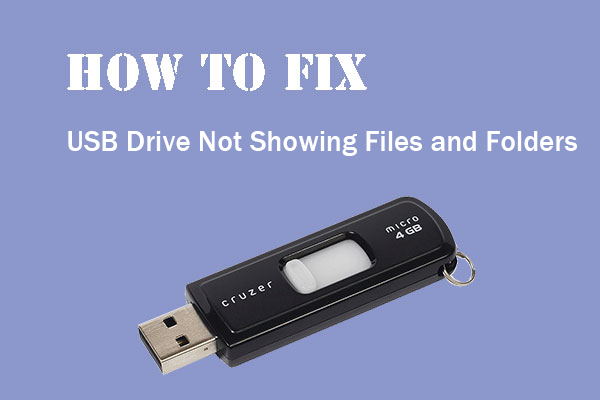
Here are the common causes and the best and easiest methods to fix the “USB drive not showing files and folders” issue on Windows 10/11.
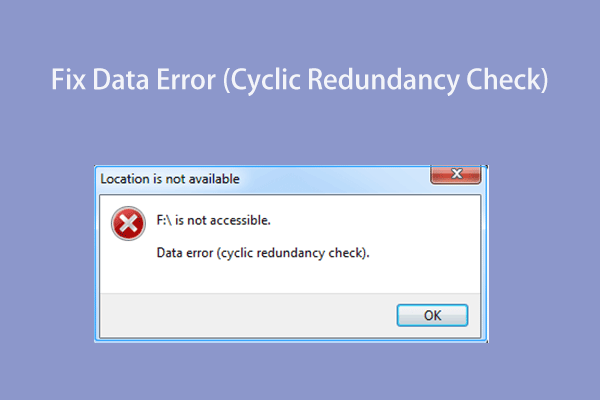
This post shows the secret of how to effectively solve the “data error (cyclic redundancy check)” issue and recover data from a drive with a CRC error.
This guide explains why “DiskPart has encountered an error” may appear when managing disks and offers effective solutions to fix common DiskPart errors.

Check how to fix the 3 errors, low disk space, blue screen error, recover lost files in Win 10 upgrade process.
This article explains why the problem of files not showing in external hard drive occurs, how to fix it, and how to protect your hard drive.
This guide shows you how to recover deleted photos from SD card, with or without software. It also provides tips to prevent future data loss.
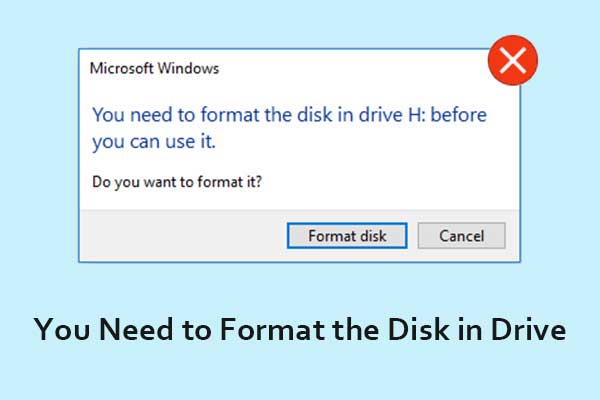
Read this simple guide to learn how to fix the error message of “you need to format the disk in drive before you can use it” without losing any data.
Photos on SD card gone for no reason? Try the solutions in this post to recover missing photos from SD card.