
Games Keep Crashing on Windows 11/10 PC? Why & How to Fix?
Why do PC games keep crashing? What if games keep crashing on Windows 10/11 PC? Find reasons and solutions from this post.

Why do PC games keep crashing? What if games keep crashing on Windows 10/11 PC? Find reasons and solutions from this post.



Computer accidents like system crash, blue screen, etc. always happen unexpectedly. To keep the PC running properly, you need to fix some issues. Here MiniTool introduces some common system issues, for example, getting Windows ready stuck, System Restore stuck, blue screen error like IRQL_NOT_LESS_OR_EQUAL, etc.
Besides, keeping PC safe is also important since. Using antivirus software to block malicious programs or using a program to back up files is recommendable. But sometimes some issues like Windows Defender not turning on, OneDrive sync pending, etc. also happen.
No matter which situation you are encountering, backing up the PC after issues are fixed with the professional backup software, MiniTool ShadowMaker is strongly recommended since the backup can be used to quickly restore the PC to a normal state without spending much time on issue fixes.

Is encrypt contents to secure data greyed out in Windows 11/10? Discover the possible reasons and solutions in this post.

Find the option go back to an earlier build not available after 10 days? Full solutions to fix Windows 10 rollback option not working are here!
Get error "Your File History drive was disconnected for too long" in Windows 10? Full solutions to fix File History drive disconnected are here!
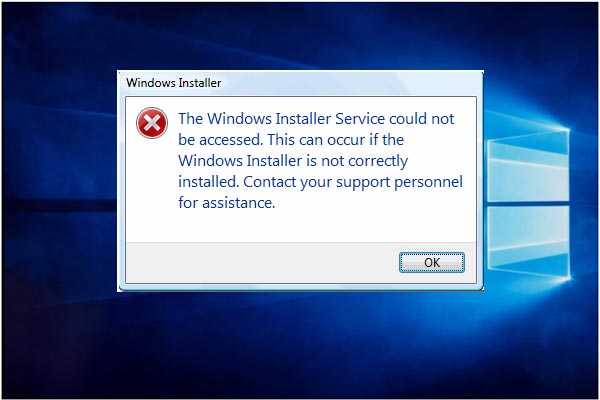
Troubled by the issue Windows Installer service could not be accessed? Here, try these 4 ways to fix Windows Installer error.

Do you receive the error “the User Profile Service failed the logon/sign-in” in Windows 11/10/7? Learn how to fix it with ease.

How to upgrade motherboard and CPU without reinstalling Windows 10/8/7? Here are some ways to replace or change them without fresh install.
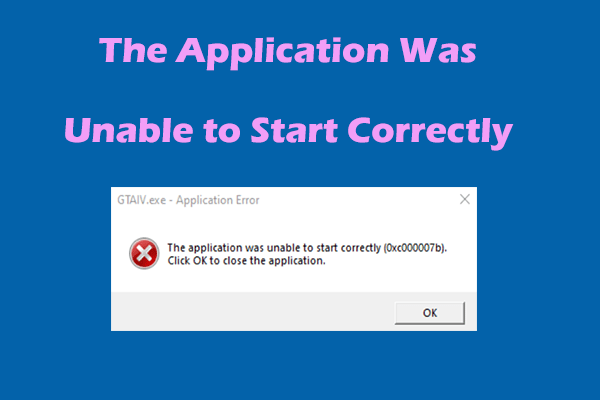
If you receive “the application was unable to start correctly” accompanied by an error code like 0xc000007b, read this post for the solutions.
Want to back up system files to the recovery drive to restore PC? Here are the detailed information and two effective alternatives ways.
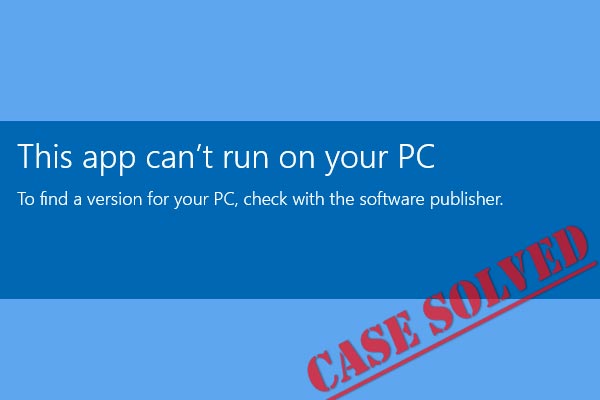
Receive "this app can't run on your PC" error when launching a certain application in Windows 10? Top 10 solutions are offered to fix it.
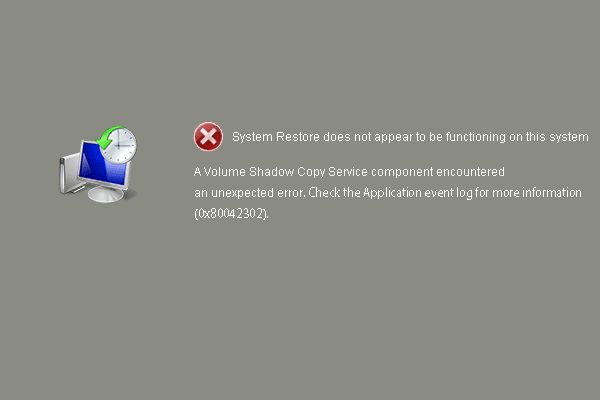
Don’t know how to fix the system restore error 0x80042302. This post lists 4 solutions to fix system restore does not appear to be functioning.